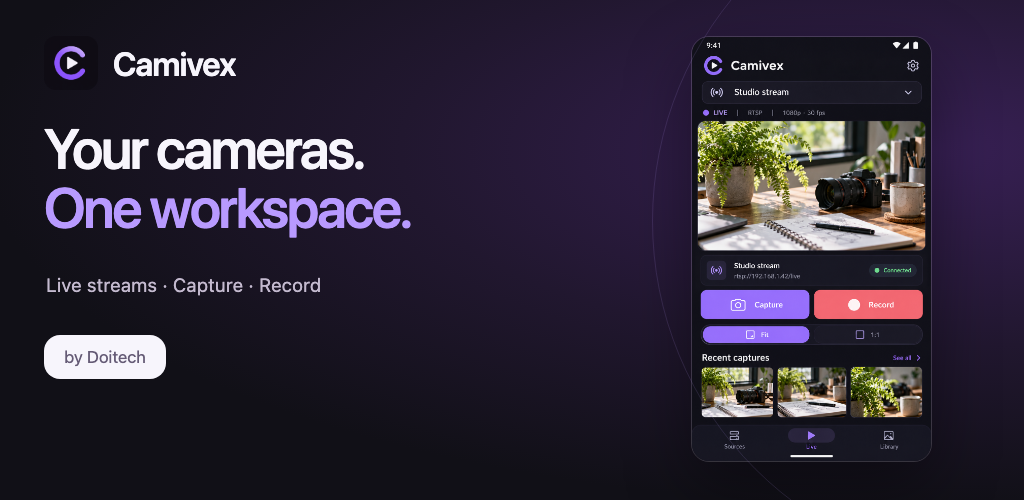
Live view
Device cameras through the operating system, or network cameras over RTSP. No cloud, no account.
Recording and pre-record
Save a clip as MP4. The pre-record buffer keeps the seconds before you pressed Record.
Annotate
Draw on the live picture, on a still, or on a recording — then share the frame with the marks on it.
Capture library
Stills and clips are filed in collections on your device, with thumbnails and file details.
Compare two captures
Put two captures side by side and move them as one, to see whether anything changed.
Built for the job
Device settings such as zoom, exposure and white balance where the camera reports them, plus a debug view.
On a phone
The live picture first, with capture, record and the camera's own controls within reach of a thumb.
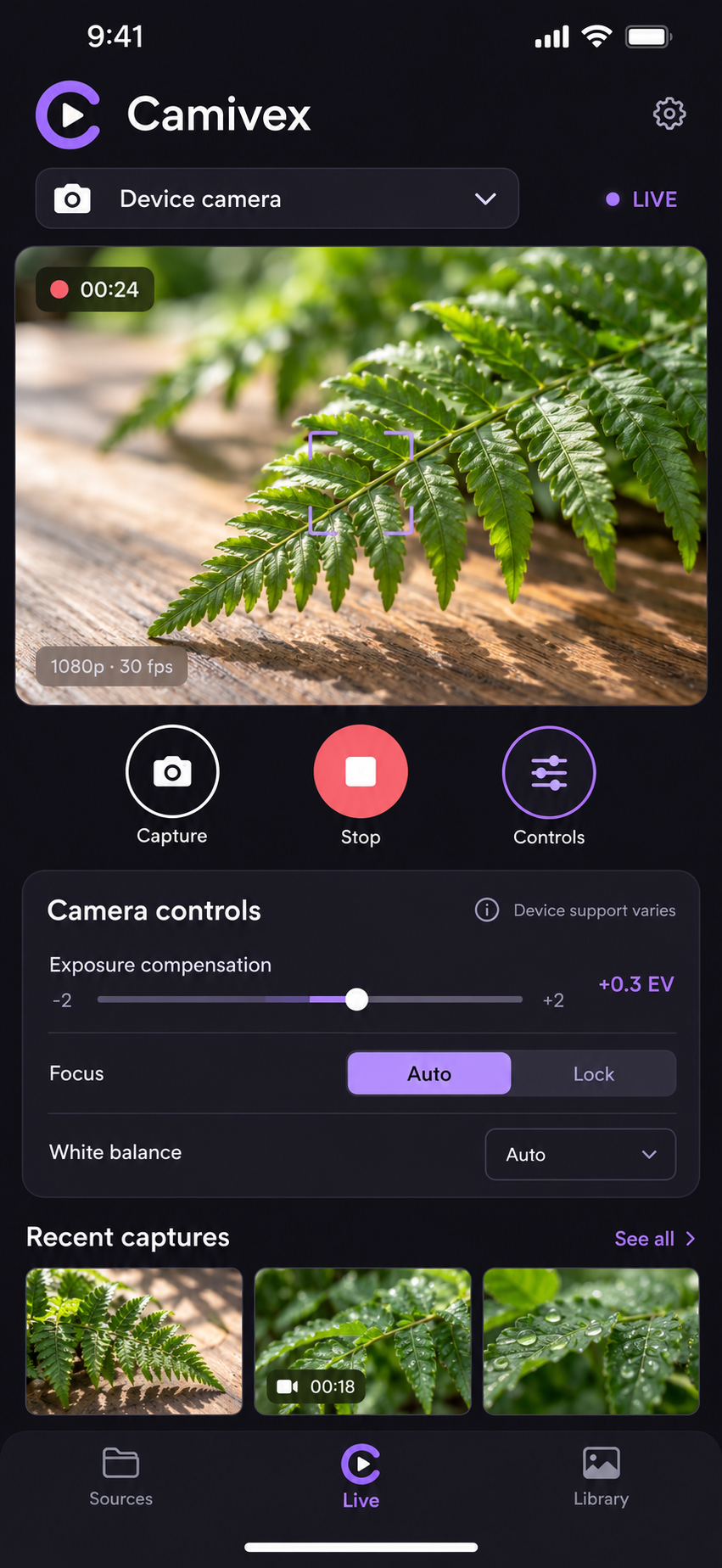
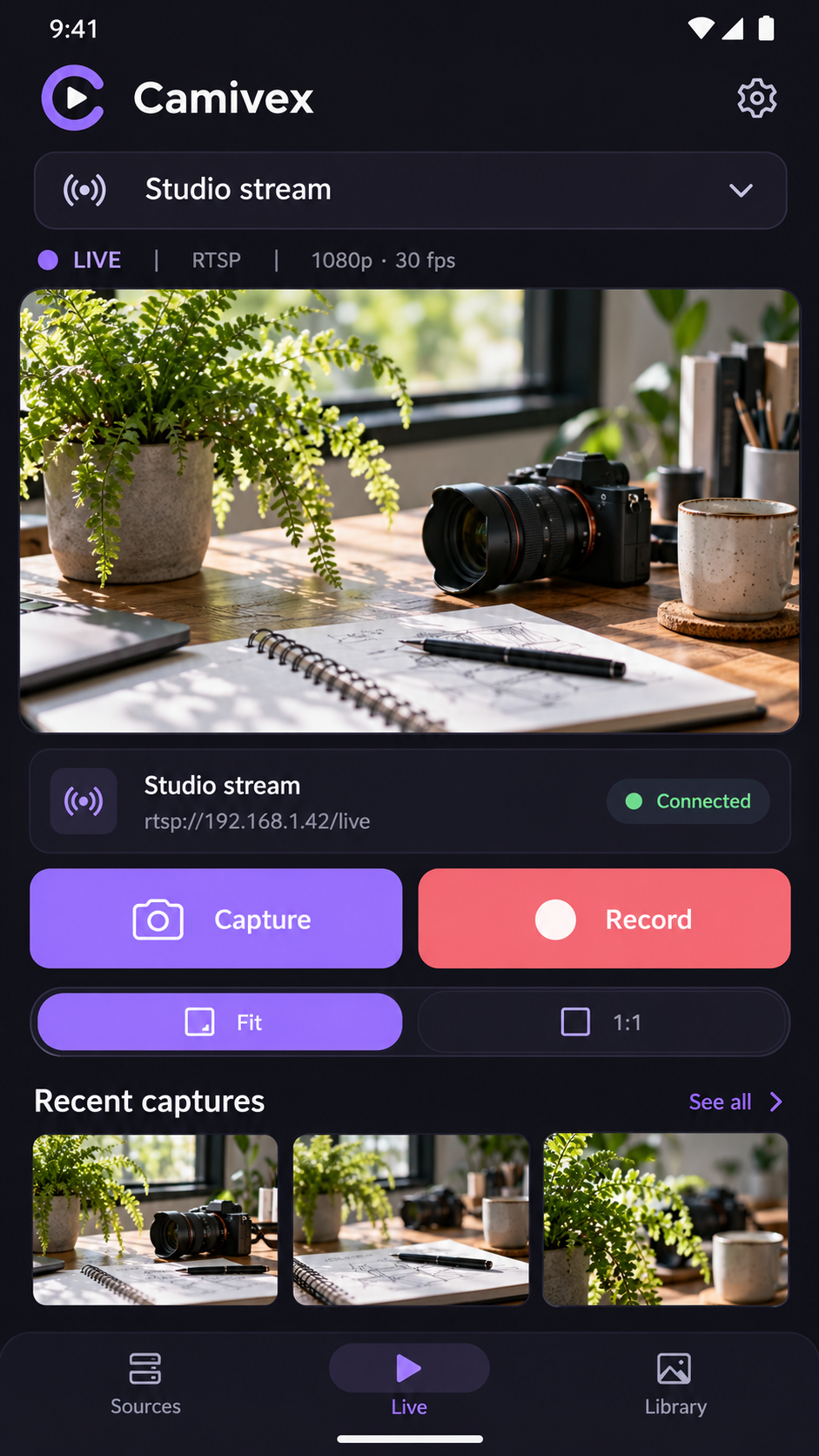
These are interface previews from the Camivex design package rather than captures of a running session.
Download
Camivex for Windows, iPhone, iPad, Mac and Android.
Camivex works with the cameras your device already provides, or with a network camera over RTSP. The App Store version runs on the iPhone, the iPad and Apple silicon Macs. Questions about a particular camera: admin@doitech.com.
What you need
- A camera. A USB or built-in camera the operating system exposes, or a network camera publishing RTSP (with an optional WebSocket control endpoint to start and stop the stream on the camera itself).
- A network path to it if it is a network camera: Camivex connects directly from your device to the address you enter, and stores that address locally.
- Windows 10 or later, macOS 14.5 or later, iOS 15 or later, or Android 8 or later. A Linux build is not offered yet.
Legal
Camivex is not a certified medical device. It views and records what a camera sends; it is not intended for diagnosis, treatment planning or any purpose that requires regulatory clearance. Do not rely on it alone where a validated clinical system is required, and always check that a recording you need was actually written.