Little discoveries. Shared adventures.
Bring Chinese
learning to life.
Flip a card. Play a game. Get the whole class involved. Discover Zilele, at home and in your PowerPoint lessons.
Chinese flashcards · Learning games · Interactive classrooms
Learn a little
Explore words, one card at a time.
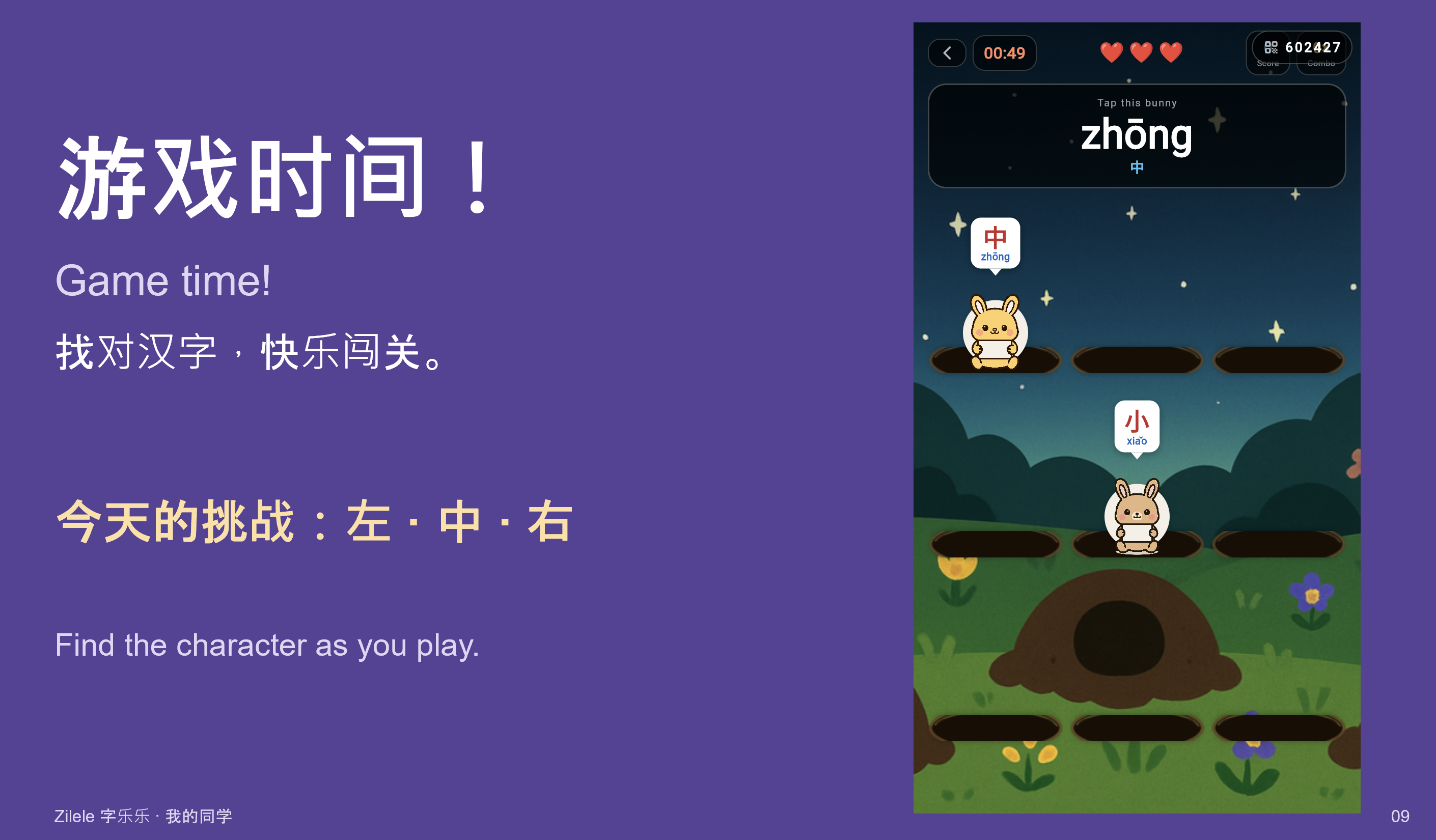
Play a little
Put Chinese into practice through games.
Bring everyone in
Share the fun with your classroom.
Made for learning together
One room.
A whole lesson of possibilities.
Students join once and stay connected as you move between classroom activities and games.
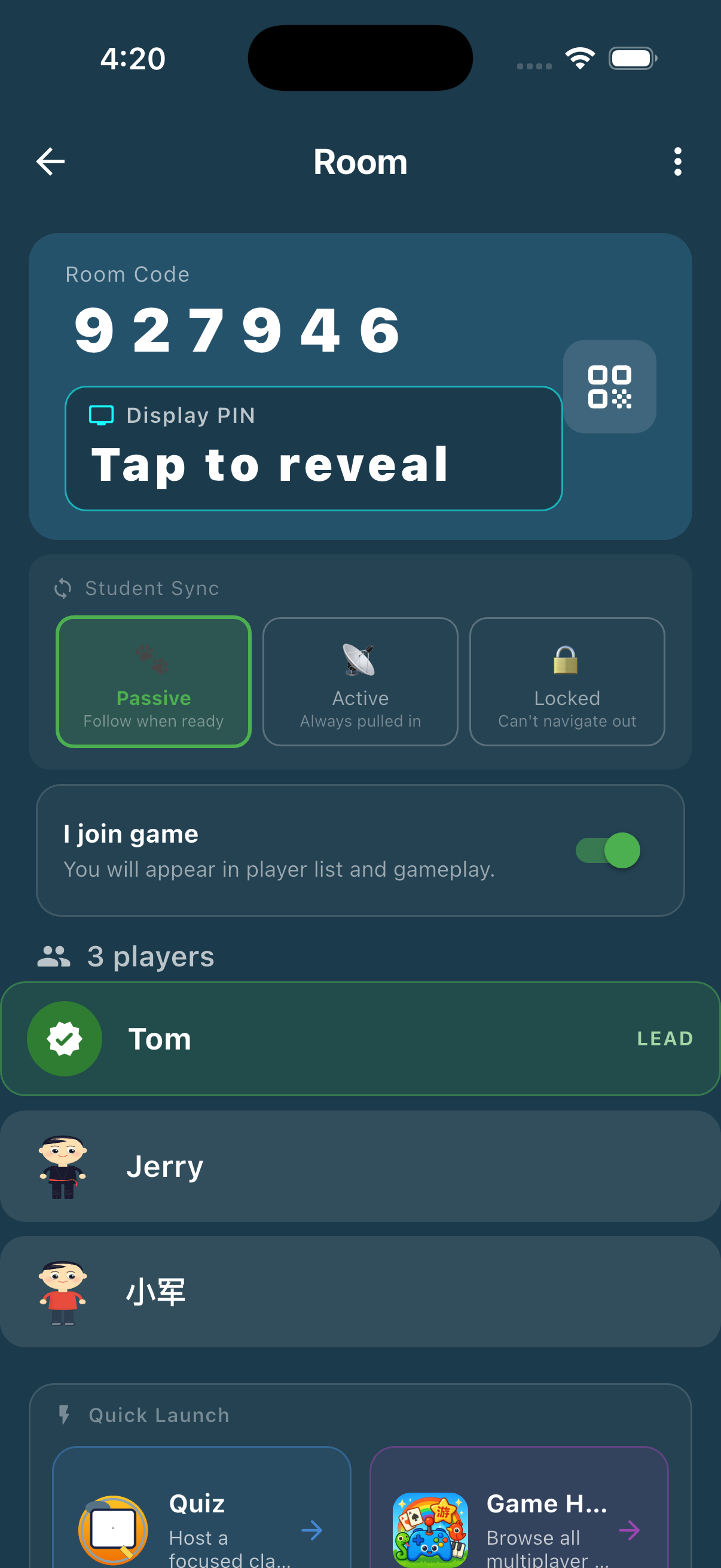
- 01
Start your room
Open a classroom and share the room code.
- 02
Invite your students
Join with a code or scan the classroom QR code.
- 03
Learn and play together
Launch an activity, then celebrate the results.

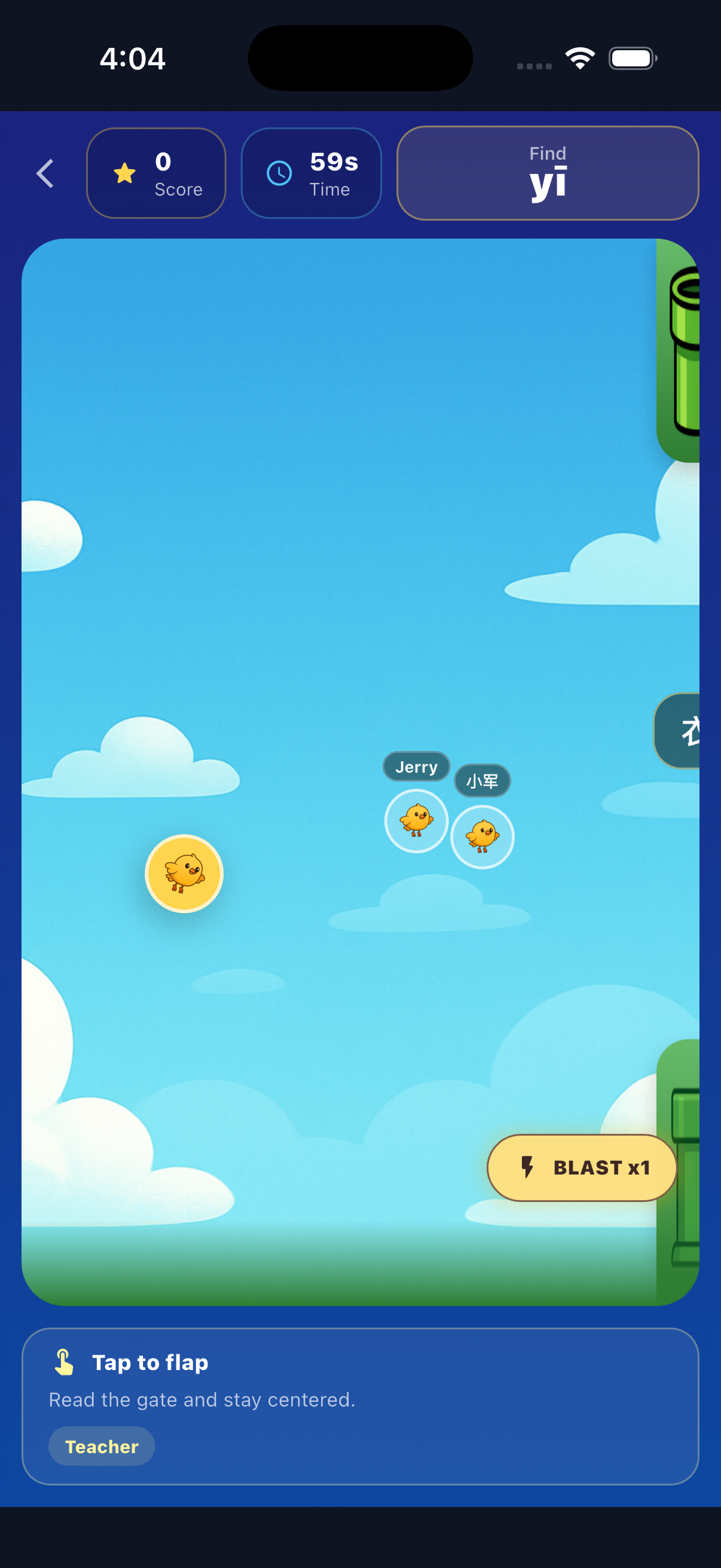
See the end-of-round view

Your slides. More participation.
Meet Zilele
inside PowerPoint.
Bring flashcards, questions and learning games into your lesson slides. Move from explaining to exploring together.
For Windows desktop PowerPoint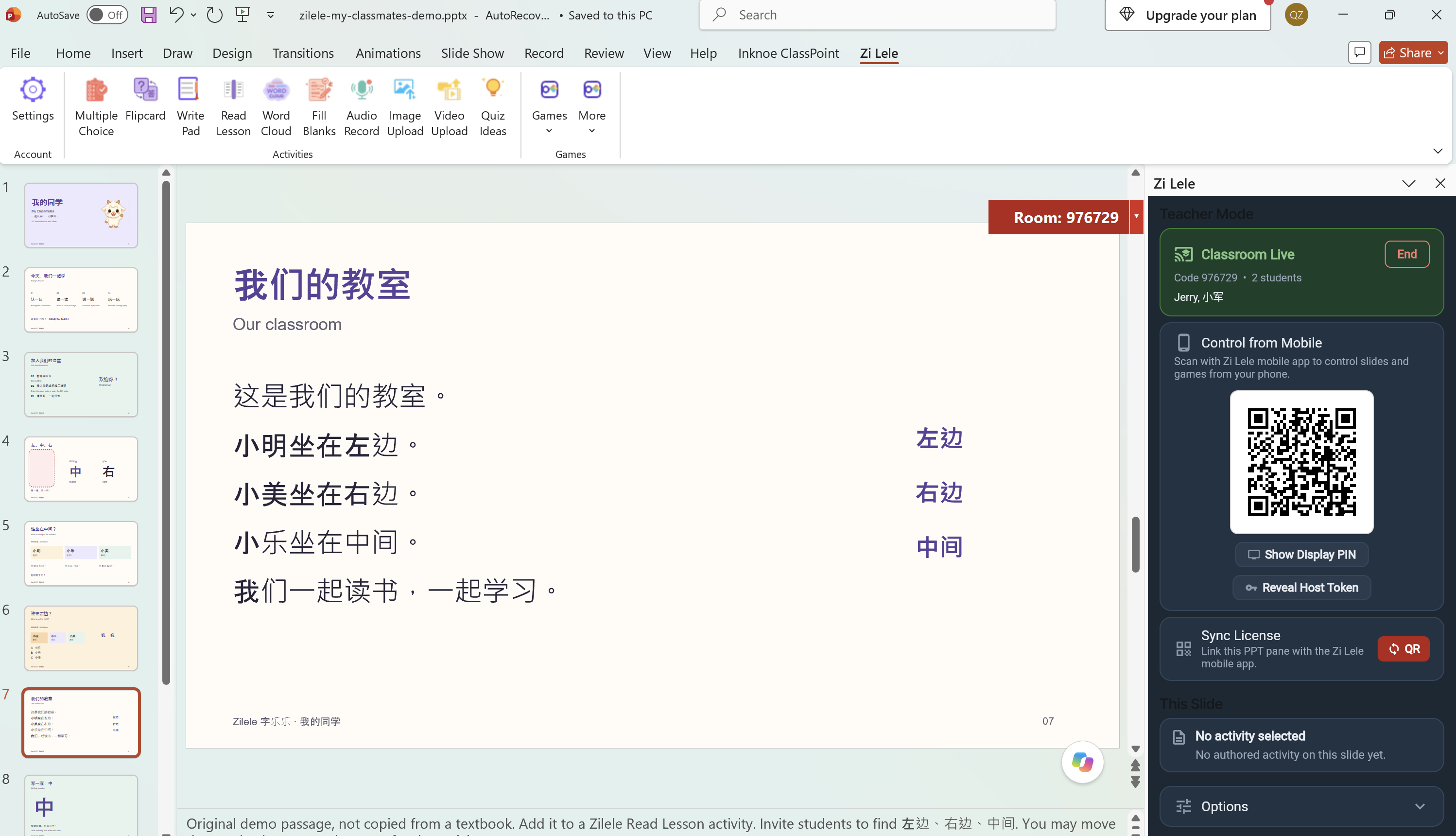

Small steps. New discoveries.
A word today.
More confidence tomorrow.
Explore characters with flipcards, follow a reading lesson, then practise writing with a character guide.
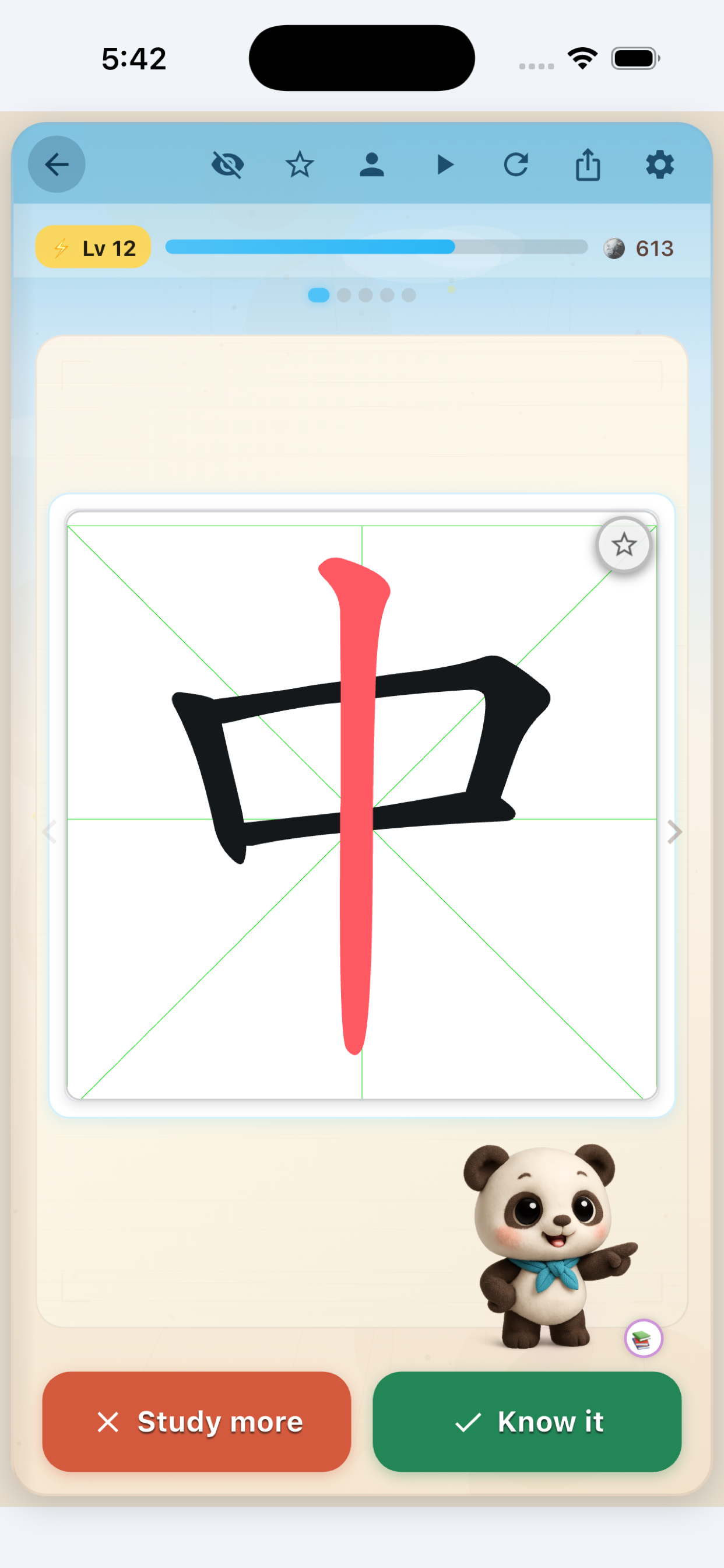
Study a character and choose what to review.
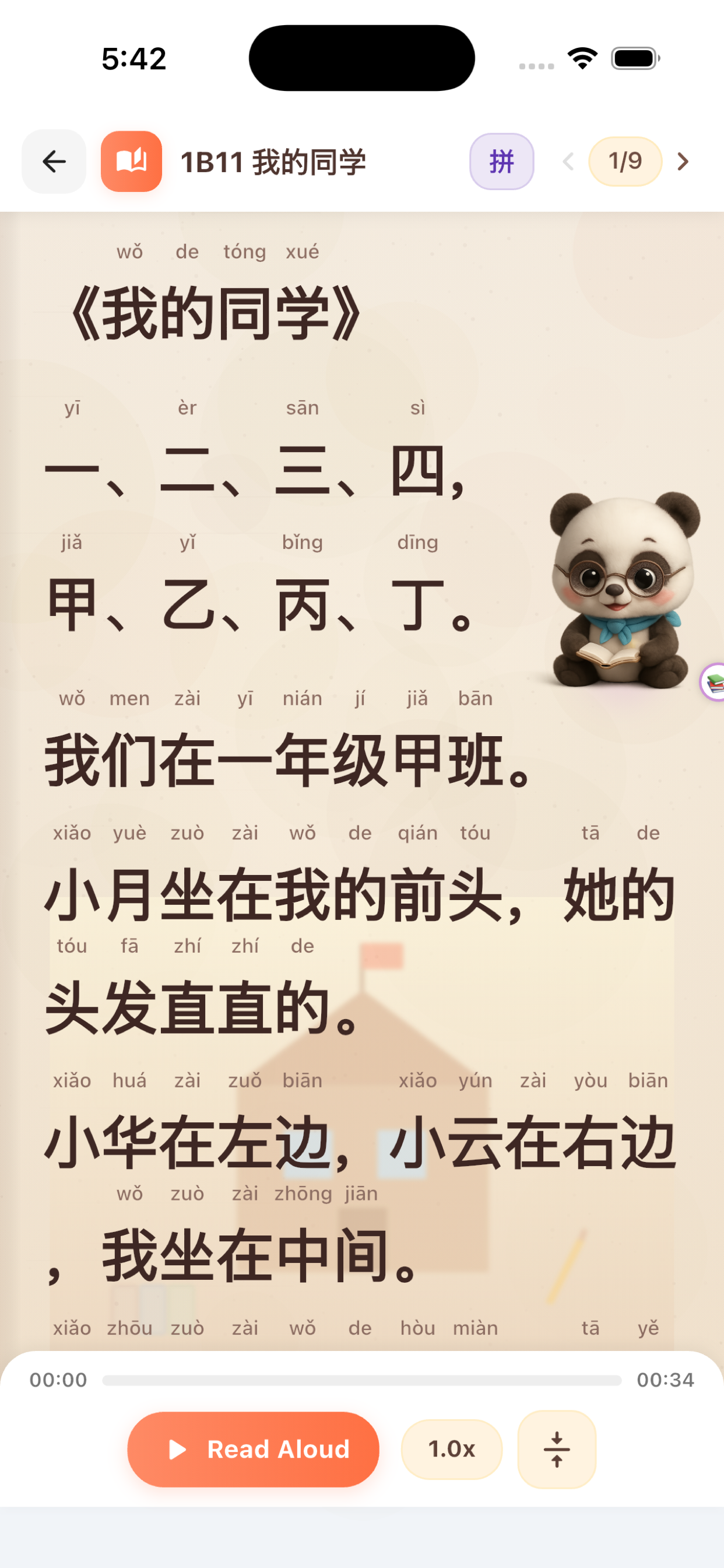
Follow a lesson with pinyin and read-aloud playback.
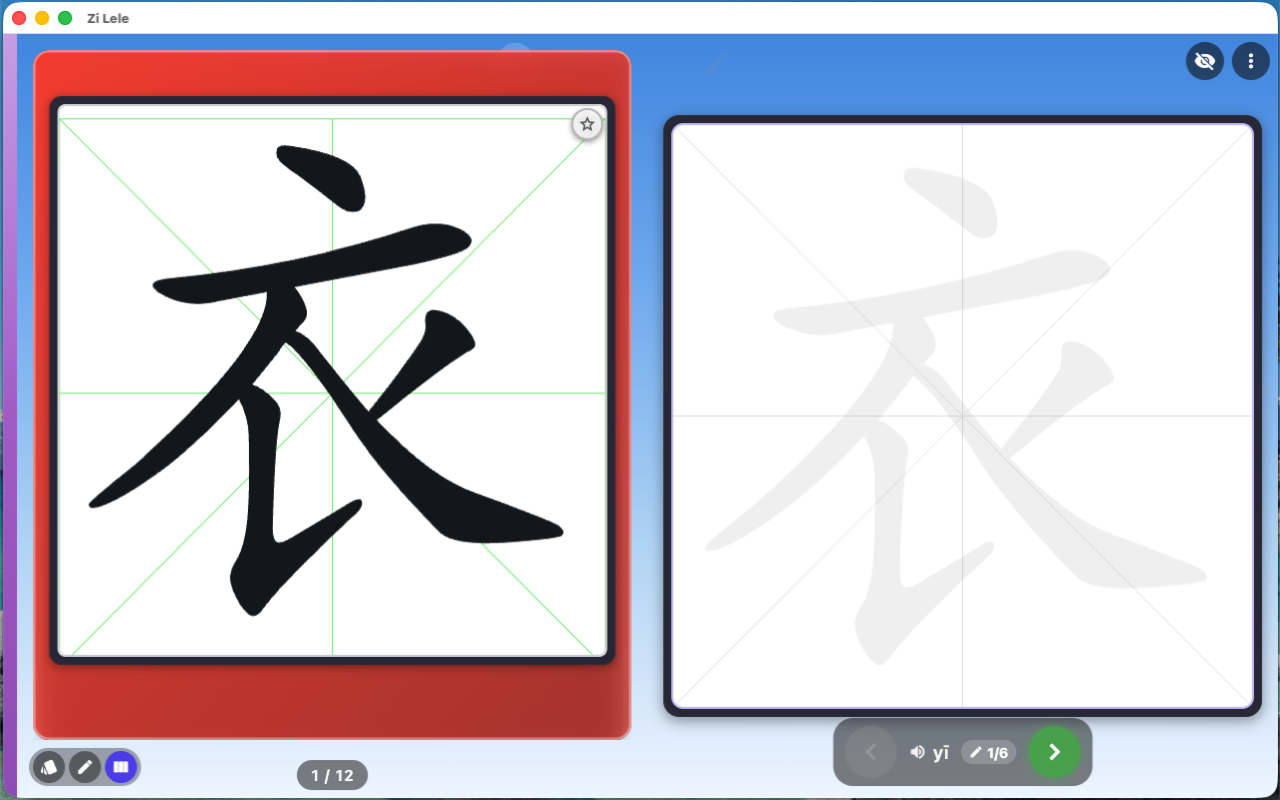
Use the character guide to practise writing on Mac.
A little play goes a long way
Make practice
part of the fun.
Give Chinese characters, vocabulary and pinyin a place in playtime—with games to explore independently or together.
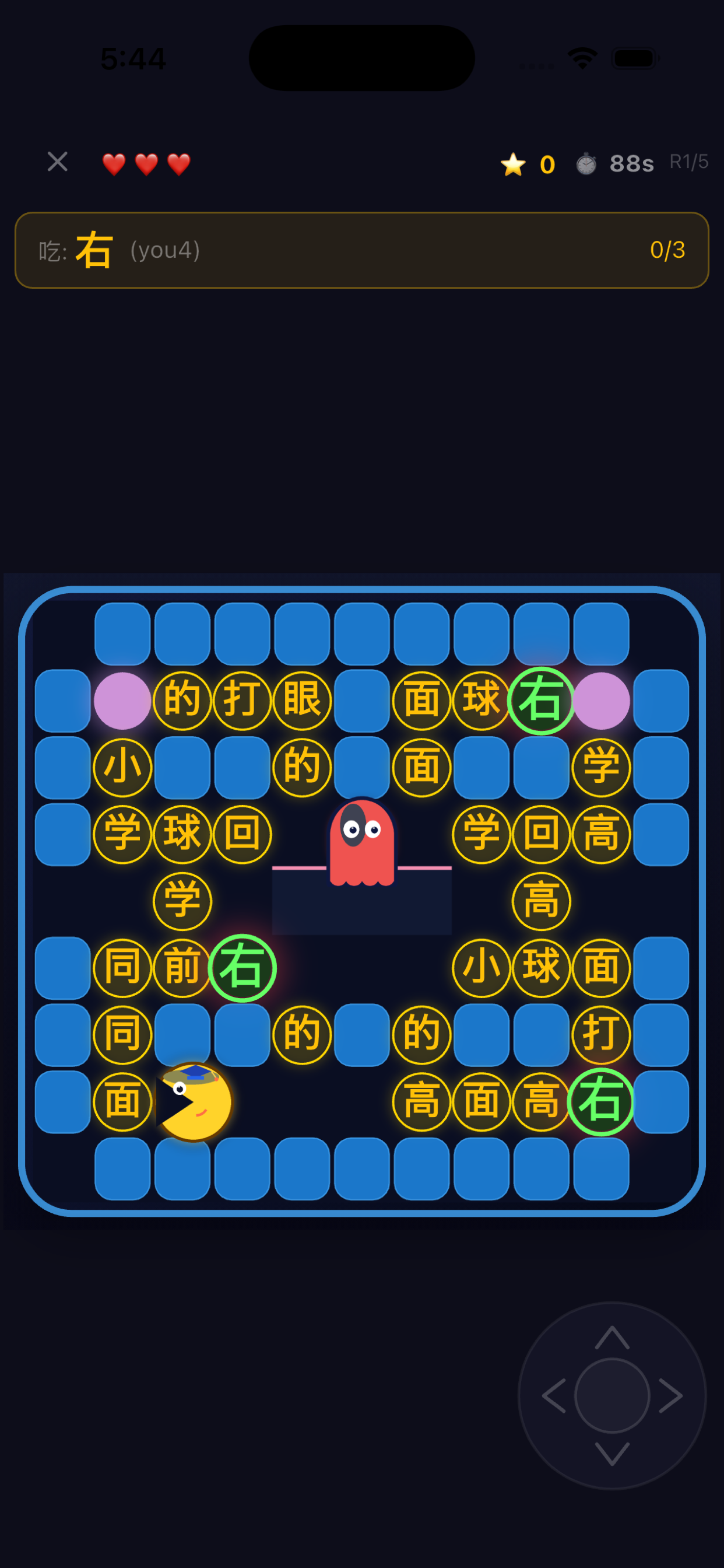
Find the target character as you explore the maze.
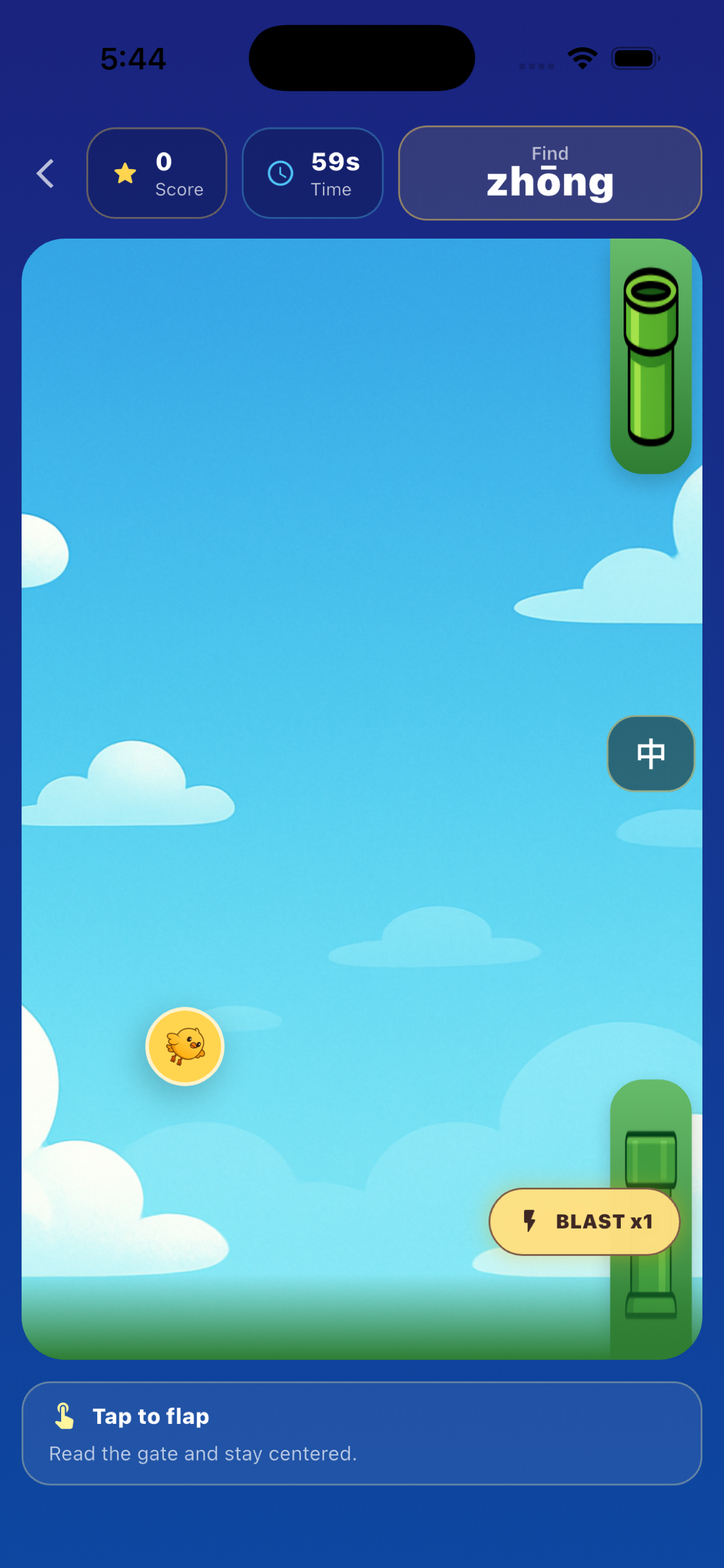
Match the pinyin prompt to the character as you fly.
A world to make their own
A little personality.
A lot to explore.
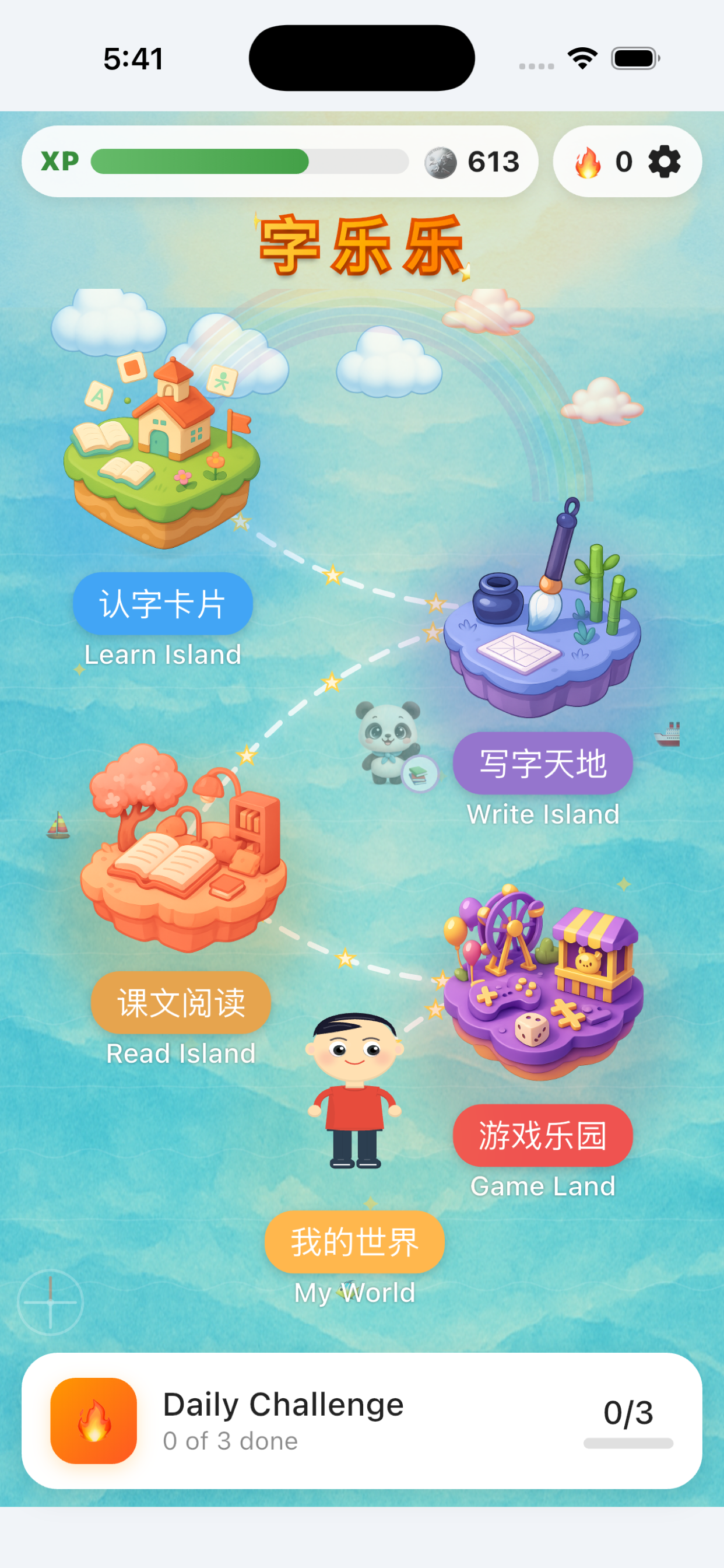
Discover the home world and create an avatar that feels like you.

Ready for the next discovery?
Start with Zilele.
Choose your device and let the learning begin.
A few helpful details
How do students join a classroom?
The teacher starts a room and shares its code or QR code. Students join the room and stay connected as the teacher changes activities.
Which PowerPoint version is this integration for?
The Zilele add-in is designed for Windows desktop PowerPoint. Contact us for the current PowerPoint installer and setup requirements.
Can Zilele be used for individual practice?
Yes. Explore flashcards and learning games independently, or join a teacher-led classroom for shared activities.